Someone sent me a headline last week: "Adobe made AI mandatory for creatives." I went looking for the mandate. I didn't find one.
What I found was worse, if you run a team. Adobe didn't force anybody to use AI. It made AI the default. Those are two different problems, and only one of them shows up in a budget meeting.

What Adobe announced
At Adobe MAX in Miami Beach on 10 November, Adobe announced its Creative Agent across the flagship desktop tools: Premiere, Illustrator, InDesign, After Effects and Frame.io. The agent runs multi-step jobs in the background. In Premiere it applies an effect to every clip in a sequence, tracks a masked subject through a shot, and fixes color and exposure across a whole sequence in one go.
Adobe also previewed local MCP integrations. MCP is the Model Context Protocol, the plug standard AI assistants use to drive other software. Adobe's version will let your own agent (Claude, ChatGPT, Gemini) work inside Photoshop, Illustrator, Premiere and After Effects, editing native project files on your machine. Hook the same agent up to Google Drive or Slack and it pulls a brief from a Google Doc, does the work in Adobe's apps, and posts the result to your team. The MCP piece arrives as a private beta in early 2027.
Read the press release closely and you'll see Adobe working hard to say the opposite of "mandatory." Here's the line it chose:
"Creative professionals remain in control throughout the process, choosing when to delegate tasks to AI, when to make hands-on adjustments and how to apply their perspective, taste and judgment to shape the final result."
So nobody has to use it. Fine. But the agent now sits inside the tools your designers open every morning. Nobody on your team asked for it. Nobody on your team approved it. It's there.
Default beats mandatory every time
A mandate is loud. Somebody signs it. People argue about it. A manager has to defend it. You know it happened.
A default is quiet. It turns up in a Tuesday update. One person tries it on a deadline and it saves them an hour. They tell a colleague. Three weeks later half the team leans on it and nobody wrote a single rule.
I've watched this pattern play out in software again and again. The tools your people use decide how they work far more than any policy you write. Version control did it. Slack did it. Now AI agents are doing it, one software update at a time.
This isn't an Adobe story. Your IDE ships an assistant. Your office suite ships an assistant. Your ticket tracker ships an assistant. Adobe made the pattern hard to miss because creatives care so much about their tools and say so out loud.
Three questions nobody answered at your company
When a vendor flips a default, three questions land on your desk whether you notice them or not.
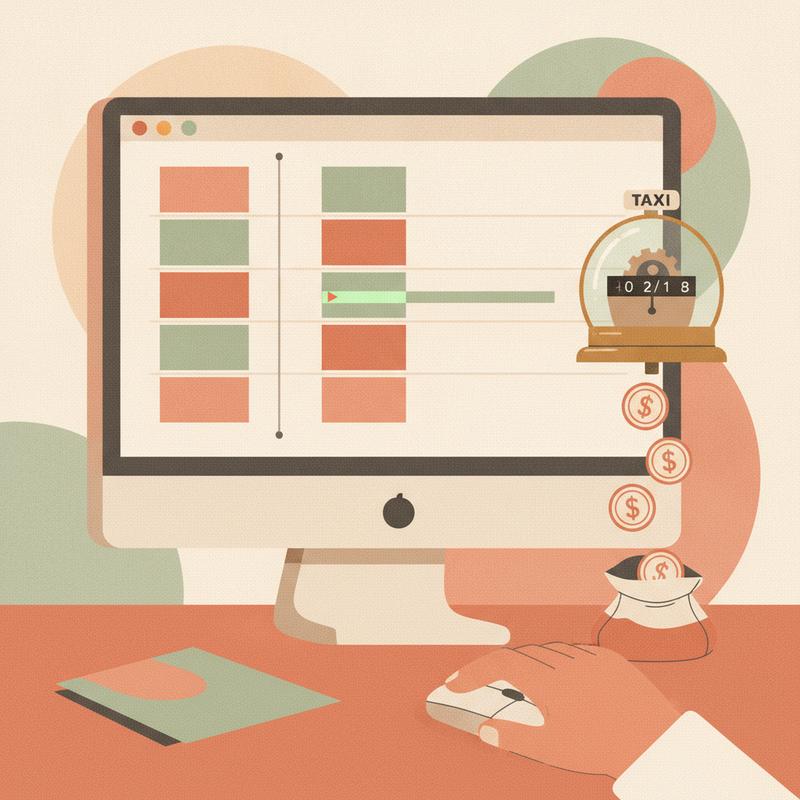
Who pays per click?
Adobe's Generative Remove in Premiere is in beta. You mask an object, track it, and the Firefly video model fills the gap. It works on clips from 480p to 1080p, up to 30 frames per second and 10 seconds long. An Adobe community manager confirmed on the beta thread it costs 40 generative credits per second.
Do the sum. One 10-second fix burns 400 credits. If one editor uses it ten times on a busy afternoon, there goes 4,000 credits. Multiply by your team. Then multiply by twelve months.
None of this is wrong. Adobe shows the credit cost before you confirm. But who on your team knows how many credits you have, who watches the meter, and who decides when cutting the shot beats paying for the fix?
I'm not sure about this part: I couldn't find a published credit cost for Creative Agent tasks themselves, as opposed to features like Generative Remove. If your team leans on the agent, find out before the invoice tells you.
Where does the work go?
Generative Remove processes footage in the cloud. Adobe says so plainly in the beta notes. Your client's unreleased product shot leaves the building every time someone clicks Remove.
The MCP piece widens this. An agent wired into Photoshop, Google Drive and Slack at the same time touches three systems with one set of instructions. Who decided which folders it reads? Who decided which channels it posts to?
Adobe has history here. In June 2024, it changed its terms of service to say it might access user content through "manual and automated methods." Users read it as "we'll train AI on your work," including work under NDA. After the backlash, Adobe rewrote the terms to pledge it won't train its models on customer content. Good. But your team found out about the change from angry posts online, not from a policy review. Don't let the next one go the same way.
Who signs off on the output?
An agent which grades color across a whole sequence in one go saves an editor a morning. It also makes forty decisions nobody looked at one by one.
Adobe pitches this as keeping you "in the director's chair." I like the phrase. A director still watches the dailies. Somebody on your team needs to own the final check, and they need time in the schedule to do it. Speed you save in production and then lose in rework isn't speed.
I wrote about this when Goldman Sachs asked who owns AI-written code. Same question, different tool. If nobody owns the answer for the output, you don't have a process. You have a hope.
What I'd do this week
You don't need a committee. You need an hour and the right people in a room.

1. List what turned on. Go through every tool your team pays for. Write down every AI feature which arrived in the last six months. Most leaders I talk to get this list wrong by half.
2. Put a price on one action. Pick the feature your team uses most and find the per-use cost. Credits, tokens, seats, whatever the unit. Then estimate a month of real use.
3. Draw the data path. For each feature, write one line: does the work stay on the machine or go to someone's cloud? If it goes, does your client contract allow it?
4. Name an owner for output. One person per workflow who checks what the agent did before it ships. Not the person who clicked the button.
5. Run one honest pilot. Pick one repeat task. Time it the old way, time it with the agent, count the rework. Keep the numbers. Next year's budget conversation goes better with numbers than with feelings.
The real lesson from Adobe
The headline got it wrong. Adobe didn't make AI mandatory. It made AI the path of least resistance, which works better than any mandate ever written.
Your vendors will keep doing this. They should. It's their job to put new features in front of your people. Your job is to decide how your team uses them before the defaults decide for you.
So here's my question. If I asked your team tomorrow which AI features run inside their tools, what they cost per use, and where the data goes, would anyone answer all three?